
Create, edit, and export a transcription
From choosing your audio to saving a finished transcript, Transcribe2Text guides you through every step in one straightforward workflow.
1. Choose your audio
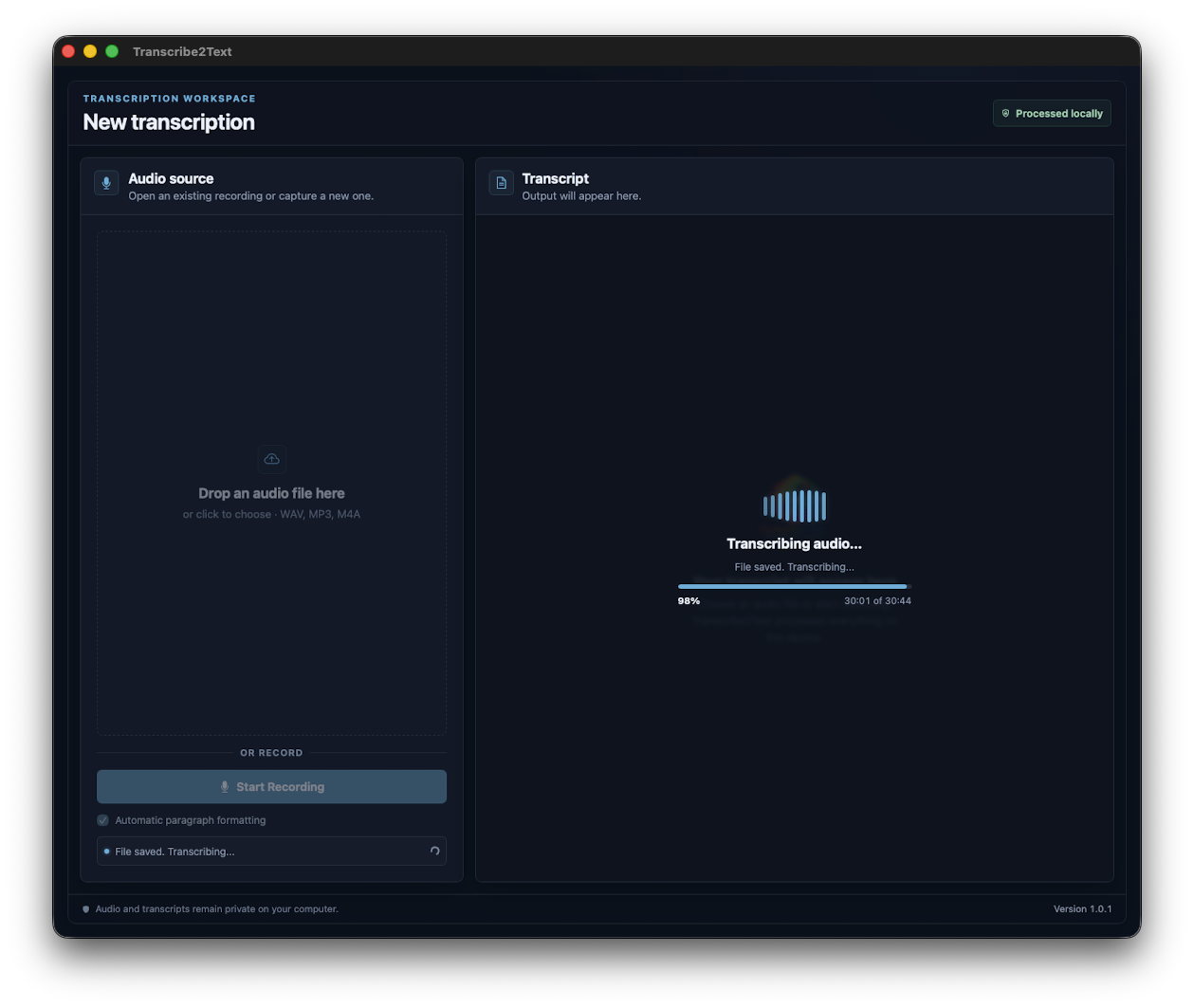
Start with a WAV, MP3, or M4A file, or record directly with your microphone. Audio files up to 1 GB are supported.
2. Customize and transcribe locally
Add paragraph formatting, timestamps, and specialized terms before starting. Monitor progress as your audio is processed locally on your computer.
3. Review, edit, and export
Listen back, revise timestamped segments, and save your completed transcript as TXT, SRT, or VTT. You can also copy it directly to your clipboard.
From recording to report in a few simple steps
Add an existing audio file with drag and drop, or start a live recording with one button. Transcribe2Text turns the spoken words into text right on your Mac or Windows PC. Review it, copy it, and paste it where it belongs. It is a practical tool for interviews, meetings, voice notes, dictated drafts, research, and everyday note-taking.
Built for sensitive information
Client conversations, internal meetings, research interviews, and personal recordings deserve more care than an automatic cloud upload. With offline AI transcription, your work remains on the device you control.
Built for getting things done
Creators can turn rough voice notes into drafts. Professionals can turn recordings into report-ready text. Anyone can capture a thought, transcribe it quickly, and continue working without changing tools.