
Creating Timestamped Transcripts for Forensic Investigations With Transcribe2Text
Published August 31, 2026
Learn how attorneys and private investigators can turn recorded audio into a reviewable, line-by-line edited transcript with timestamps using Transcribe2Text.
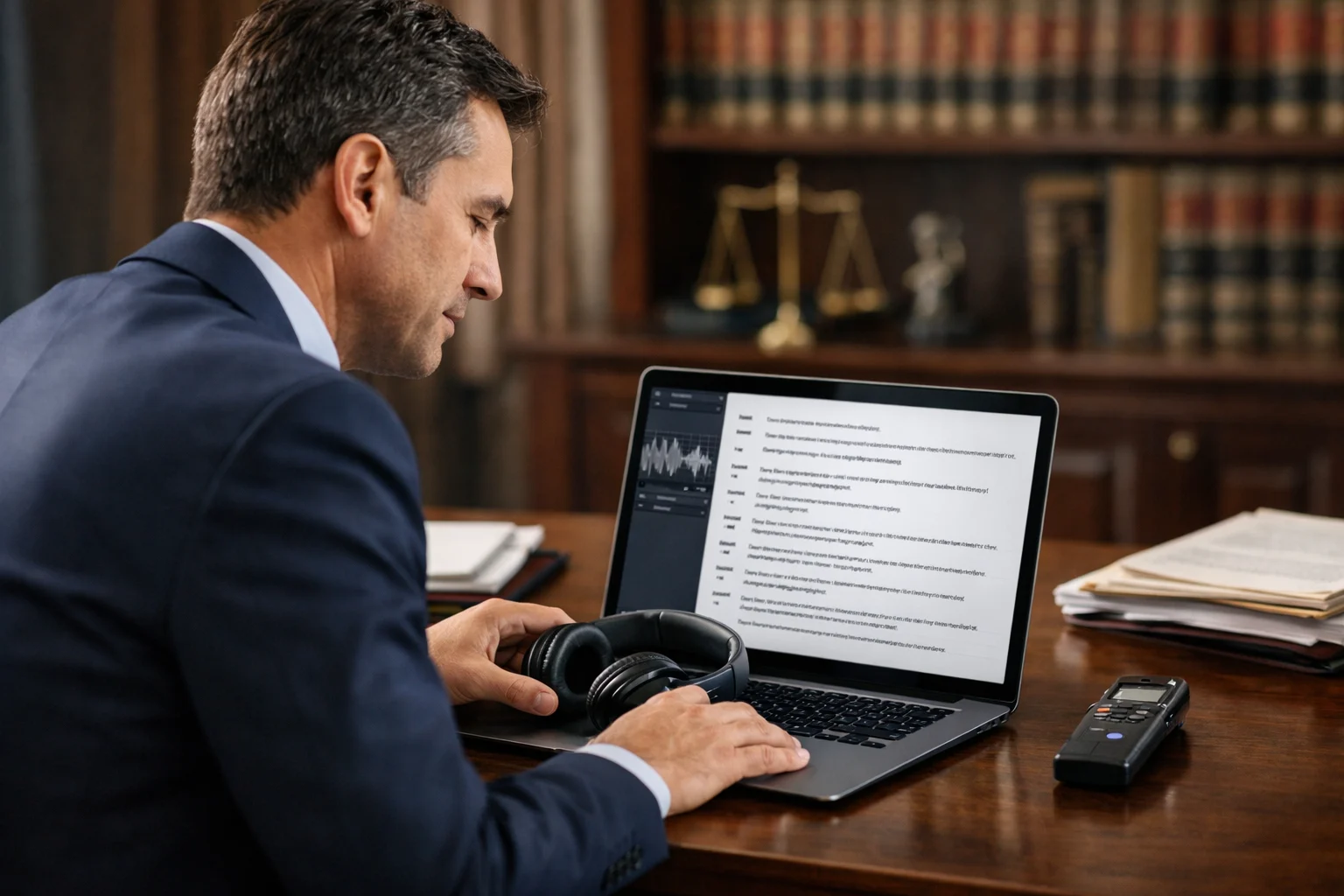
Forensic investigations often begin with a recording: an interview, voicemail, surveillance capture, meeting, dispatch call, or other audio that may need close review. Converting that recording into text can make the content easier to locate, assess, discuss, and prepare for later use.
For attorneys and private investigators, however, a transcript is more than a convenience. It must be reviewed against the source audio, corrected where necessary, and delivered in a format that lets a reader return to the relevant point in the recording. A timestamped transcript supports that process by connecting written text to the underlying audio.
Transcribe2Text can be used as a practical workflow for capturing speech from a recording, reviewing the resulting text line by line with its built-in editing function, and producing a timestamped transcript.
Start with the original recording
Before transcription begins, identify the version of the recording that should be reviewed. In an investigative setting, that usually means working from the original source file or an appropriately preserved copy rather than an informal excerpt or a file that has been repeatedly converted.
Keep clear notes about the material being transcribed, including details such as:
- The file name or identifying label
- The recording date, if known
- The source of the recording
- The person responsible for providing it
- Any known gaps, edits, background noise, or quality limitations
- The date the transcript was created and reviewed
These notes do not replace formal evidence-handling procedures. They do, however, help the investigation team distinguish the audio source from the transcript created from it.
When the recording includes sensitive information, use the access, storage, and disclosure practices appropriate to the matter and to applicable professional obligations. Consider who needs access to the recording, the working transcript, and the final transcript before sharing files or links.
Capture the audio into text
The first working draft gives reviewers a searchable representation of the recording. Upload or process the audio in Transcribe2Text and allow the service to capture the spoken content as text.
The initial transcript should be treated as a draft for review, especially when the recording contains factors that commonly affect clarity:
- Multiple speakers talking over one another
- Low volume, distance from the microphone, or background noise
- Names, technical terms, addresses, case references, or acronyms
- Accents, fast speech, interruptions, or incomplete sentences
- Phone, radio, body-worn, or surveillance audio
A transcription tool can reduce the time required to create a first pass, but it cannot remove the need to compare the text with the audio. In a forensic context, the recording remains the source material. The transcript is a written aid that should accurately reflect what can be heard.
Review the transcript line by line
The built-in editing function in Transcribe2Text is central to producing a dependable working transcript. Rather than accepting the first draft as final, review it sequentially while listening to the corresponding audio.
A line-by-line process makes it easier to catch small issues before they become significant. Reviewers can correct misheard words, punctuation, names, and speaker references where the audio supports a correction. They can also identify portions that cannot be understood reliably.
A useful review approach is:
- Play a short section of the recording.
- Compare the spoken words with the text on screen.
- Edit the relevant line or lines in Transcribe2Text.
- Re-listen to the corrected passage when wording is important or uncertain.
- Continue in sequence until the recording has been reviewed.
Do not guess at unclear speech. If a word or phrase cannot be determined from the audio, use a consistent notation approved for the matter, such as [inaudible] or [unintelligible], if that is consistent with your office's transcription practice. If only part of a phrase is unclear, preserve what is audible and mark the uncertain portion rather than silently substituting a likely word.
Preserve meaning without over-editing
Forensic transcription is not the same as rewriting speech for readability. A speaker may use fragments, repetitions, fillers, interruptions, or nonstandard grammar. Removing or changing those features can alter tone, emphasis, or meaning.
Decide early whether the assignment calls for a verbatim-style transcript, a lightly edited readable transcript, or another defined format. Then apply that standard consistently. If the transcript has been edited for readability, make sure the intended audience understands the format and that the audio remains available for verification.
Be especially careful with:
- Admissions, denials, threats, requests, and instructions
- Negations such as “not,” “never,” or “didn't”
- Dates, times, addresses, amounts, and identifying numbers
- Proper names and organization names
- Questions and answers in interviews or examinations
- Statements affected by overlap, interruption, or a change in speaker
When speaker identity is uncertain, it is safer to use a neutral label, such as Speaker 1 and Speaker 2, than to assign a name without support. If speakers are known, use consistent labels throughout the transcript.
Use timestamps to make the transcript navigable
A timestamped transcript lets a reader move from a passage of text back to the approximate location in the recording. This can be valuable when counsel, an investigator, a client, or another reviewer needs to verify wording or hear the delivery of a statement.
With Transcribe2Text, prepare the final transcript with timestamps included. The resulting timestamps should be reviewed as part of the same quality-control process: confirm that the text around each timestamp corresponds to the appropriate point in the audio and that edits have not made the transcript difficult to follow.
Choose a timestamp format that fits the purpose of the transcript and keep it consistent. Depending on the assignment, timestamps may be useful at regular intervals, at speaker changes, or at material events in the recording. The right level of detail depends on the length of the recording and how the transcript will be used.
For example, timestamps can help a legal team quickly locate:
- A statement relevant to a disputed event
- A key instruction or warning
- A change in topic during an interview
- A passage needing a second review
- The source audio for a quoted section in a memorandum or case file
Timestamps are navigation aids, not a substitute for listening to the underlying audio. If exact timing matters to the investigation, verify the relevant location directly against the recording.
Perform a final quality check
Before delivering the transcript, conduct a final review focused on completeness, consistency, and usability. This check is separate from correcting individual lines during the initial listen-through.
Use a short checklist:
- Confirm the correct recording was transcribed.
- Confirm the beginning and end of the audio are represented.
- Check that speaker labels are consistent.
- Verify names, numbers, dates, and other material details against the audio where possible.
- Review all
[inaudible],[unintelligible], and uncertain passages. - Check timestamp placement and formatting.
- Ensure the final transcript identifies the recording and transcript version clearly.
- Save or export the finalized timestamped transcript in the format required for the matter.
If a second reviewer is available, an independent spot check can be useful for critical passages. The reviewer should listen to the audio rather than relying only on the edited text.
Deliver a transcript that supports review
A well-prepared timestamped transcript gives the investigation team a practical way to work with recorded evidence. It can support issue spotting, chronology development, witness preparation, internal case review, and efficient return to relevant audio passages.
The value comes from the workflow: capture the recording in Transcribe2Text, use the built-in editor to review and adjust the text line by line, and provide a timestamped final transcript that remains connected to the source audio. With careful human review and consistent documentation practices, the transcript becomes a clearer, more usable companion to the recording.